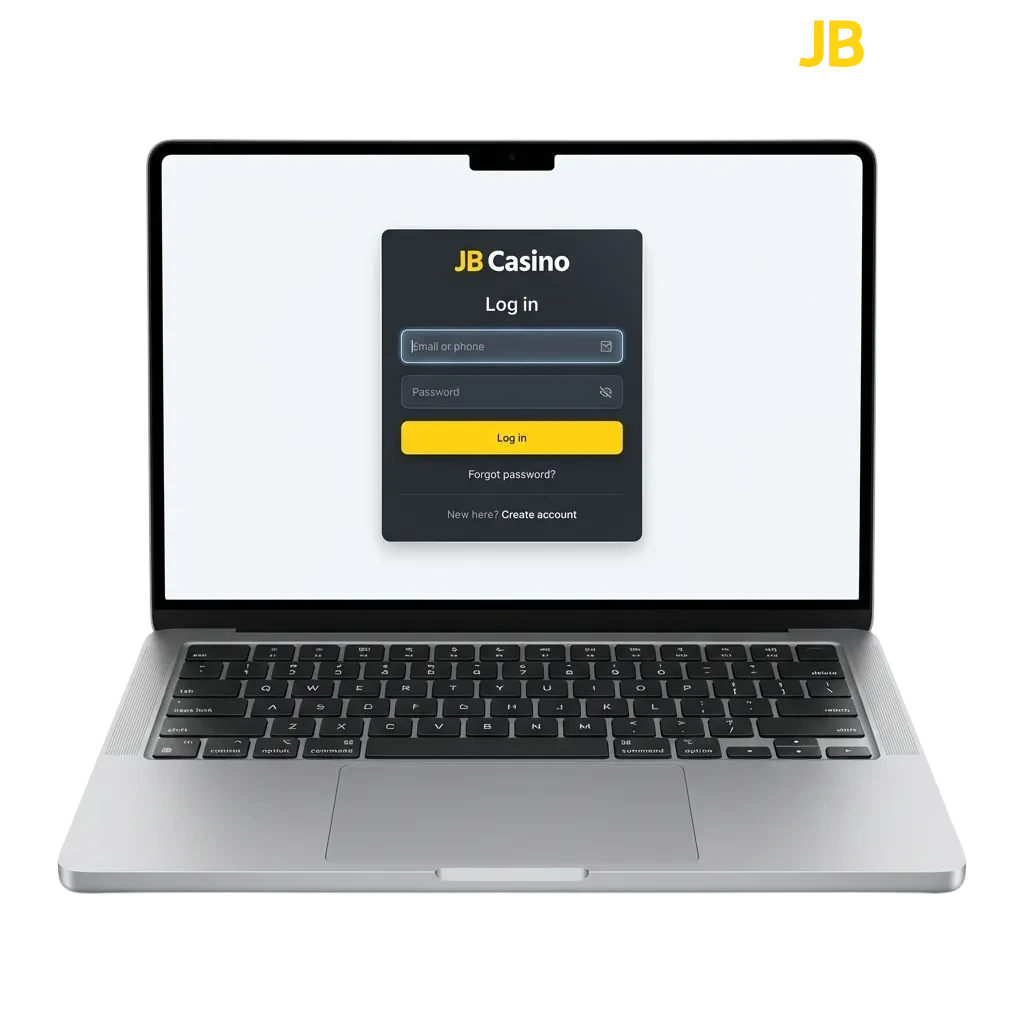
Access Your Account in Seconds
Log in to your JB Casino account using your registered email and password on the website or mobile app. The process takes seconds, and you can access your profile anytime after completing registration and verification. Your personal data is protected by encryption, and two-factor authentication adds an extra layer of security. Once logged in, you can place bets on sports, play casino games, activate bonuses, and manage deposits and withdrawals.
Available Ways to Access Your Profile
You can log in to your account using several methods depending on your device and preferences. The platform supports email login, mobile app access, and browser-based sign-in on desktop or tablet.
Email and Password Login
This is the standard method for accessing your profile. You enter the credentials you created during registration, and the system grants access to your dashboard and betting options.
- Open the JB Casino website or mobile app.
- Click the “Login” button in the top right corner.
- Enter your registered email address and password.
- Click “Sign In” to access your account and start playing.

How to Access Your Profile via Mobile App
Logging in through the mobile app offers faster access and smoother navigation compared to the browser version. The app remembers your device, so you can enable biometric login for quicker access on future visits.
Open the app and tap the “Login” button on the home screen.
Enter your registered email and password, or use biometric authentication if you enabled it previously.
Tap “Sign In” to access your account, bonuses, and betting markets.
If you encounter any issues, restart the app or check your internet connection before trying again.
Common Issues When Logging In and How to Fix Them
Some users experience technical difficulties when trying to access their profiles. Here are the most frequent problems and practical solutions to get you back online quickly.
| Problem | Solution |
|---|---|
| Incorrect password entered | Click “Forgot Password” on the login screen and follow the reset instructions sent to your registered email. |
| Account locked after multiple failed attempts | Wait 15 minutes and try again, or contact customer support to unlock your profile immediately. |
| Email not recognised by the system | Double-check the spelling of your email address, or try logging in via the mobile app if you used it during registration. |
| Two-factor authentication code not received | Check your spam folder, request a new code, or contact support if the issue persists. |
| App crashes during login | Update the app to the latest version, clear the cache, or reinstall the app from the official site. |
Resetting Your Password if You Forgot It
If you can’t remember your password, the platform provides a quick recovery process that sends a reset link to your registered email. You can create a new password and regain access within minutes.
Click the “Forgot Password” link on the login page.
Enter the email address you used during registration.
Check your inbox for a password reset email (check spam if it doesn’t appear within a few minutes).
Click the reset link in the email and create a new password that meets the site’s security requirements.
Return to the login page, enter your email and new password, and access your account.
FAQ
Can I stay logged in on multiple devices at the same time?
Yes, you can access your profile from your phone, tablet, and computer simultaneously. The platform syncs your balance and activity across all devices in real time.
What should I do if I see a “Session Expired” message?
This happens after a period of inactivity for security reasons. Simply log in again using your credentials, and you’ll be back in your account.
Do I need to verify my account before I can log in?
You can log in immediately after registration, but you’ll need to complete verification before making your first withdrawal. Upload your ID and proof of address in the profile settings.
Can I enable biometric login on the mobile app?
Yes, after your first successful login on the app, you can activate fingerprint or face recognition in the app settings for faster access.
What happens if I enter the wrong password too many times?
Your account will be temporarily locked for 15 minutes to prevent unauthorised access. If you’re locked out, you can reset your password or wait for the timer to expire.
Updated: